
Public holiday calendar
See public holidays highlighted directly on a clean calendar view, so you can instantly spot long weekends and busy periods.
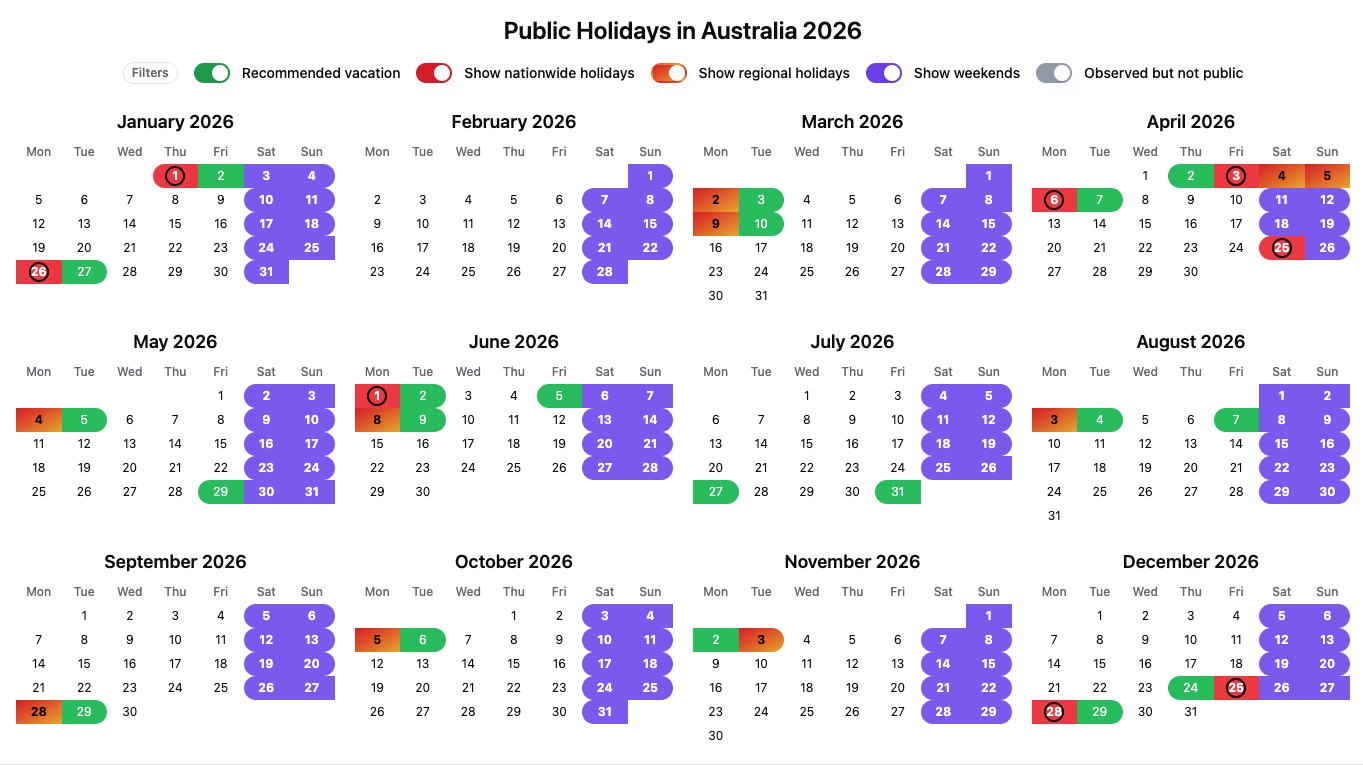
Nationwide vs regional holidays
Some holidays apply to the whole country, while others apply only to specific regions, states, provinces, or cantons. We label holidays clearly so you can avoid surprises when planning travel or work.
Use filters to quickly see only the holidays that matter to you. Toggle between nationwide and regional holidays, hide non-working observances, and focus on specific regions. The calendar updates instantly, helping you plan time off faster and avoid unnecessary clutter.

Bridge-day recommendations
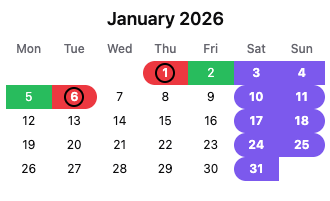
Bridge days are workdays that sit between a public holiday and a weekend. We highlight them as recommended days to take off, because they often create the longest breaks using the fewest vacation days. We highlight them in green.
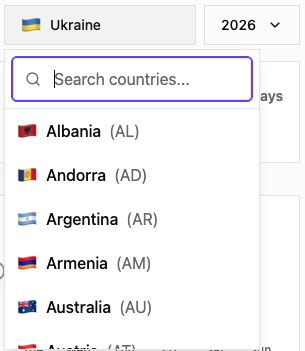
Fast country and year switching
Pick a country, select a year, and everything updates instantly - no reloading and no digging through pages.
Clear holiday descriptions
Each holiday includes a short description so you understand what it represents and whether it is officially observed.
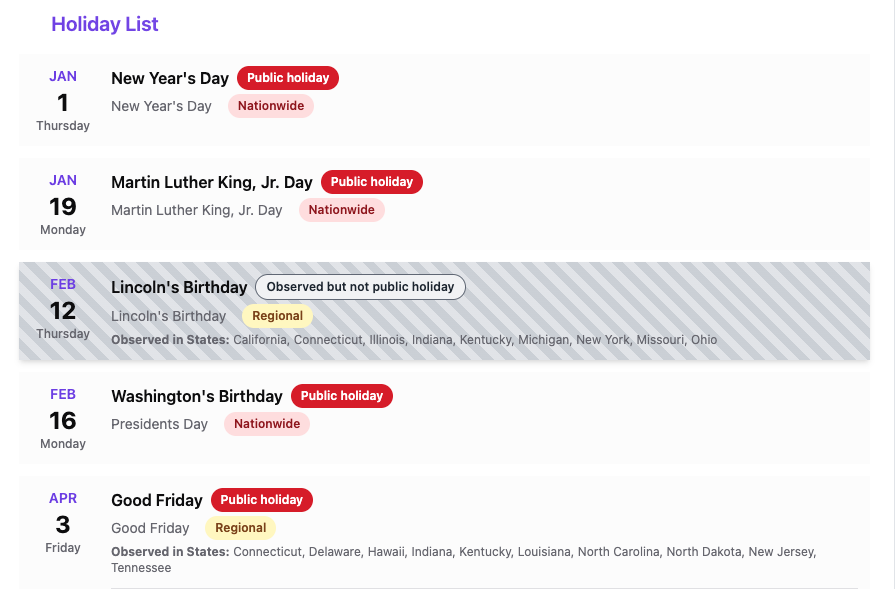
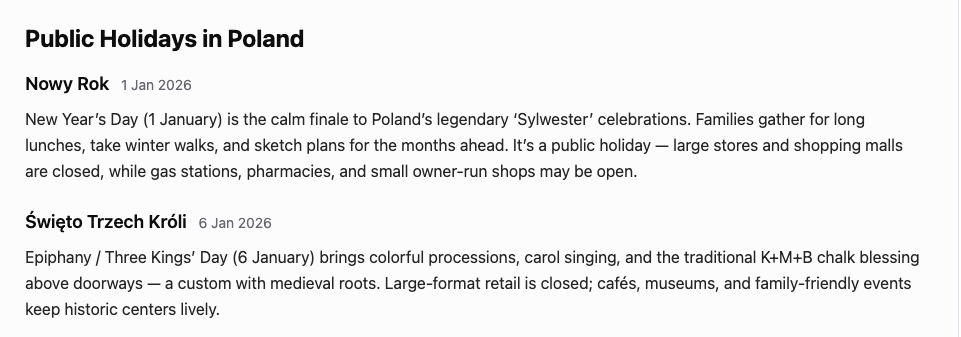
Holiday descriptions appear after the holiday list to add helpful context. They explain the meaning of each holiday, whether it is nationwide or regional, and often include cultural background and traditions, giving users a clearer understanding of how each day is observed and how it may affect time off or daily life.
About author
Hi, I'm Oleksii, the creator of this website! :D
I’m a freelance AdOps and Programmatic Manager and the founder of Bakota Vibes Media. With over 8 years of experience in the AdTech industry, I help publishers and brands optimize, scale, and maximize their monetization potential.
After years of managing the "technical side" for others, I decided to start building and growing my own digital projects from the ground up.
Outside of the digital world, I’m a rock band musician, a skateboarder, and a proud dog owner. When I'm offline, I love cooking up something tasty and spending quality time with my family and friends.

About Holiday Planner
Holiday Planner is a simple tool that helps you quickly understand public holidays in any country and plan time off smarter. Instead of jumping between calendars and long lists, you get a clear overview of official holidays, regional differences, and the best bridge days that can turn a few vacation days into a longer break.
Our goal
Our goal is to make holiday planning effortless - whether you are organizing a trip, booking flights and accommodation, planning work schedules, or simply trying to maximize your annual leave. Holiday Planner brings everything into one place: holidays, country coverage, and practical recommendations.
How We Verify Holiday Dates
Holiday Planner combines trusted API providers with official country-specific publications, labor laws, ministry announcements, and manual editorial checks. When a date is still pending or variable, we label it clearly and update it after official confirmation. Users can also submit corrections, which are manually reviewed before any change goes live.
Key features
How it works
- Official holidays are shown on the calendar and listed below.
- Regional rules are displayed when a holiday applies only to part of a country.
- Bridge days are automatically detected based on weekends and public holidays, then highlighted as planning suggestions.
How to use Holiday Planner
Step 1 - Select your country. Use the country dropdown to choose your destination or your place of residence. If a country has regional holidays, this information is clearly visible.
Step 2 - Choose a year. Select the year you want to plan for. This is especially useful for early bookings, annual leave planning, and long-term travel decisions.
Step 3 - Explore the calendar. Look for groups of holidays close together, long weekends, and periods that may affect travel, work, or business availability.
Step 4 - Use bridge days to maximize time off. Bridge days show where taking one or two vacation days can unlock a longer break. These are recommendations only - always check your local regulations and workplace rules.
Step 5 - Check regional holidays when needed. If you are traveling to a specific region, make sure the holiday applies there. Some regions observe additional holidays that can affect opening hours, transport, and services.
A quick example
If a public holiday falls on a Thursday, taking Friday off often creates a four-day weekend. Holiday Planner highlights these opportunities so you can plan faster and with more confidence.